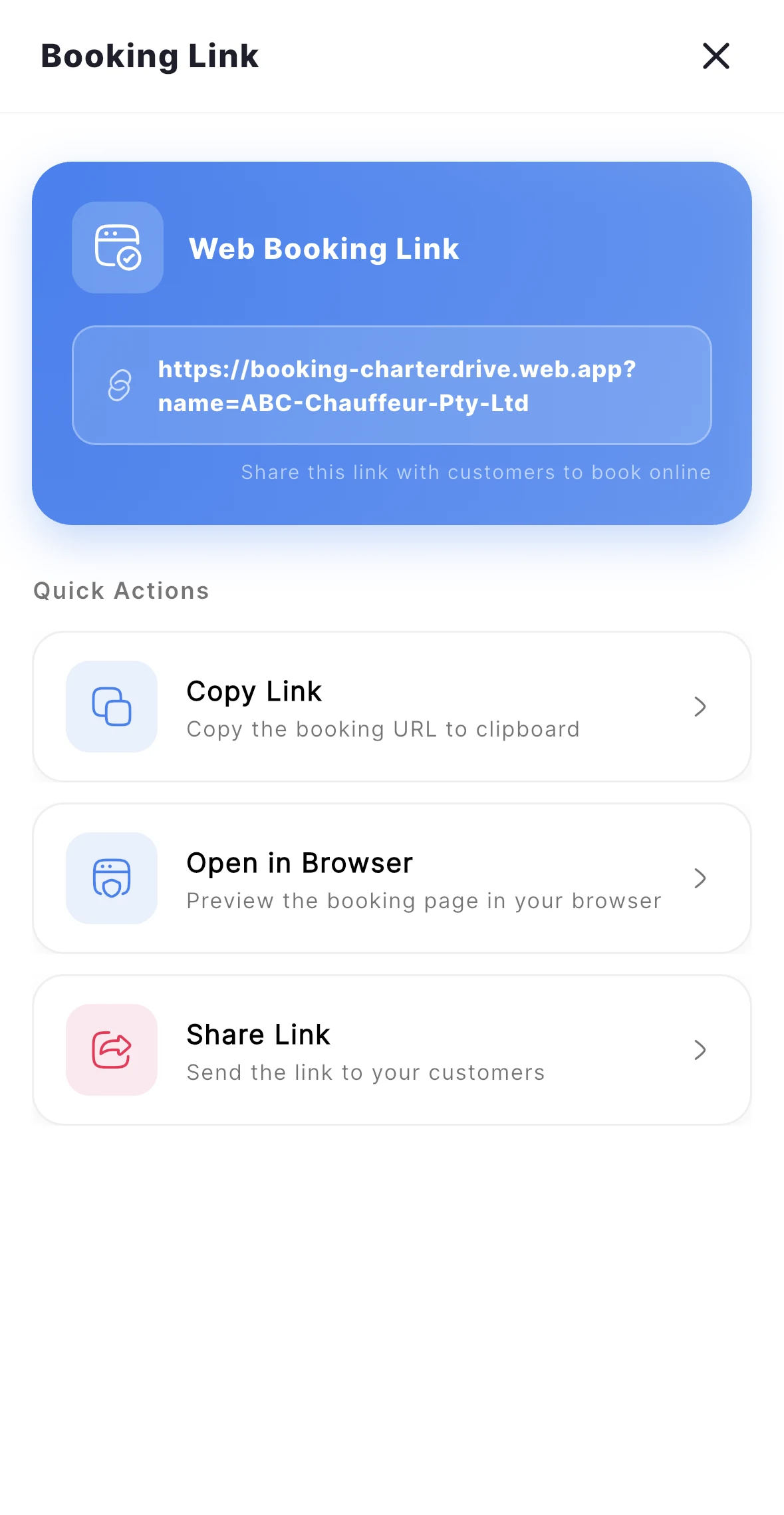
When you sign up for Charter Drive, you instantly receive a personalized chauffeur booking system link. Customers can book you any time, day or night, even when you’re unavailable to answer calls.
Online bookings available 24/7
Manual booking entry for phone/WhatsApp requests
Instant mobile notifications
Automatic customer confirmation
Unified calendar across all devices
Welcome back
Today's Jobs
C
MichellNew booking
45 St Georges Tce, Perth
132 Rokeby Rd, Subiaco
BMW 7 Series · 2 pax$120
JasonCompleted
Perth Airport T1 Arrivals
Stirling WA
BMW 7 Series · 2 pax$100
PriyaOnline
Crown Towers, Burswood
Fremantle Harbour
BMW 7 Series · 2 pax$145
New Booking
BookingsMarketplaceInvoicesSettings
STEP 02
Confirm & Communicate
Automatic Customer Updates Keep Everyone Informed
Once you accept a booking, Charter Drive handles customer communication automatically through SMS notifications.
Booking confirmation SMS sent immediately
Pre-arrival alert when approaching pickup
Real-time GPS tracking for customers
Reduces “Where are you?” phone calls
Builds trust and professionalism
SMS
Customer Updates
C
Hi Michell, your booking with Charter Drive Demo is confirmed for 26 Apr, 6:25 PM.
George is 10 minutes away in a black BMW 7 Series. Track live: cd.app/t/8F2
Thanks! See you soon 👋
Your driver has arrived at 45 St Georges Tce.
Auto-SMSOn
STEP 03
Execute the Journey
Complete Trip Management with Real-Time Tracking
Start your trip when the customer is aboard, track in real-time, and complete when you arrive at the destination. All trip data is automatically logged.
One-tap trip start and completion
Live GPS tracking for dispatchers
Complete driver activity logs
Route data automatically saved
In progress
Live Trip
C
8 min awayOn trip
Driver George · BMW 7 Series
Complete Trip
STEP 04
Get Paid Instantly
Multiple Payment Options for Maximum Convenience
Generate professional invoices immediately and accept payments via Tap to Pay, online payment, bank transfer, or cash.
Instant invoice generation
Tap to Pay for immediate payment
Email invoices to customers
Collate multiple trips into one invoice
Collect payment
Tap to Pay
C
$120.00
Hold card or phone near the top of this device
Visa · Mastercard · Amex · Apple Pay
Cancel
New · Customer app for charter owners
Your Own Customer App: Charter Ride
Give your customers the Charter Ride app. They simply enter the reference code from your charter company, and all their bookings come to your company — nowhere else. With Auto Pay built in, customers pay automatically and you get paid without chasing invoices.
Give your customers their own Charter Ride app
Customers enter your company reference code
Every booking comes straight to your charter company